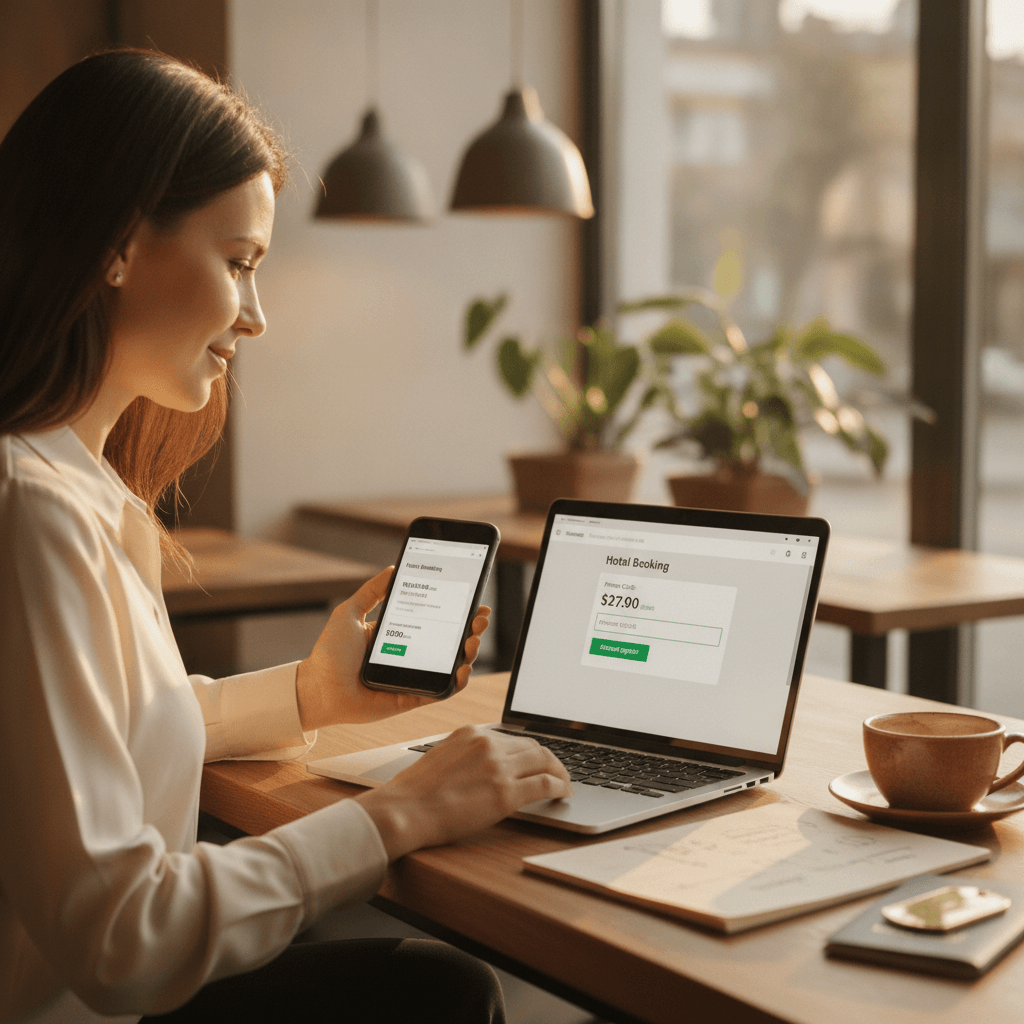

Okay, here's the honest answer: most people lose their discount at the checkout stage because they applied the code wrong, missed an eligibility condition, or just didn't compare the final price before hitting confirm. If you're doing hotel booking online and you've got a promo code sitting in your inbox, this guide will help you actually use it — not just paste it in and hope for the best.
The good news is that hotel booking discount codes are genuinely useful when you know what to look for. The not-so-good news? A lot of them have fine print that catches people off guard. Let's walk through the whole thing so you're not surprised at checkout.
Start With the Code Itself — Read Before You Click
Before you even start searching for rooms, look at the code you've been given. Most hotel promo codes have conditions attached — minimum booking amount, specific dates, room categories, or they're tied to a membership like a loyalty programme or bank card offer. I've seen people spend twenty minutes picking the perfect room and then discover the code only applies to suites or only works on weekdays. That's frustrating and totally avoidable.
Check these things upfront:
- Minimum stay requirement (is it 2 nights? 3?)
- Specific travel window vs. booking window — these are different. Some codes need to be used by a date, but travel can be later.
- Room type eligibility — some codes exclude the cheapest rooms
- Whether it's tied to a specific payment method (bank card EMI deals especially)
Once you know what the code covers, then start your hotel search with those filters in mind. Don't do it the other way around.
Where to Actually Enter the Code (And When)
This trips people up more than you'd think. On most booking platforms, the promo code field shows up during checkout — not on the search results page. So you'll go through selecting your property, choosing dates and room type, adding guest details, and then you'll see the code box just before payment.
Here's what works for me: open the terms of your discount in a separate tab before you start. That way, while you're browsing hotels in Indian cities or wherever you're headed, you can quickly cross-check that the room you're picking actually qualifies. Don't wait until checkout to verify — by then you've already invested time and you're more likely to just ignore mismatches and book anyway.
Also worth noting: some platforms auto-apply a discount if you're logged in with a qualifying account (bank partnership deals work this way). In that case, you won't even see a code field. The discount just shows up in the price breakdown. If yours isn't showing, try logging out and back in, or clearing your browser cache — sounds silly but it works more often than it should.
Comparing the Final Price — This Step Is Not Optional
Look, the number that matters is not the discount percentage. It's the final amount you're paying after the code, taxes, and any additional fees. Some hotels add resort fees or service charges that only appear late in the checkout flow, and those can eat into your savings pretty significantly.
What I'd suggest doing: before entering your code, screenshot or note the base price shown for your room. Then apply the discount and check the new total on the payment summary page — the one that shows taxes, fees, and the full breakup. That's your real comparison point.
It's also worth doing a quick sanity check on a second platform. Sometimes a property listed on hotels abroad or even domestically will have a lower base rate elsewhere that beats your discounted price. It's not always the case, but it takes two minutes and can save you real money. The discount code wins when it still comes out ahead after that comparison — not before.
When Codes Don't Work — What's Actually Happening
So you've pasted the code in and nothing changed, or you're getting an error. Here's what's usually going on:
- The code has expired — obvious, but easy to miss if you've had it sitting in an email for a while
- Your cart doesn't meet minimum conditions — add another night or upgrade your room type to clear the threshold
- You're not logged in — a lot of member-only deals require an active account session
- The code is for a different region or currency — some hotel promo codes are geo-locked and won't apply if your billing address doesn't match
- It's already been used — single-use codes are common with personalised offers
If none of those apply and it's still not working, contact support before you give up on it. Sometimes it's a platform-side glitch, and an agent can manually apply the discount or issue a replacement code. It's worth a quick message, especially if the savings are meaningful.
Getting More Codes Without Hunting For Them
Here's something most people don't do but probably should: sign up for email alerts from booking platforms before you actually need them. That way, when you do have a trip coming up, you've already got active codes sitting in your inbox instead of scrambling through coupon sites at checkout (most of which are outdated anyway).
Also, if you're booking as part of a larger trip — flights, transfers, accommodation — look at holiday packages instead of booking each piece separately. Bundled deals often include accommodation discounts built in, without needing a code at all. It's not always the right fit, but for popular routes and destinations it can genuinely be better value.
Loyalty programmes are the other thing worth considering. If you book hotels with any regularity — even just a few times a year — being a member of a platform's rewards programme usually gets you access to member prices that beat most external promo codes. That and travel insurance bundled at checkout are two things frequent travelers almost always wish they'd set up earlier.
One Last Thing Before You Hit Confirm
Don't rush the payment page. I know it feels like you're almost done and you just want to click confirm, but that summary screen is where everything comes together — and where mistakes live. Check that the discount applied correctly, that the room type and dates are right, and that the cancellation policy is what you expected.
If you're looking at ultra luxury properties, double-check whether the promo code stacks with existing member rates or replaces them — sometimes applying a code actually removes a better discount that was already applied to your account. That's a less common situation but it does happen.
And if you're still figuring out where you want to go, browsing destination ideas first can help you narrow things down before you start hunting for deals. Finding a code for a destination you're not sure about is kind of backwards — know where you want to go, then find the savings.
Bottom line: hotel booking discount codes are worth using, but they reward the people who read the fine print. Five minutes of checking conditions upfront saves you the frustration of a code that won't apply at checkout. Do that, compare the final price (not just the discount), and you'll actually come out ahead.