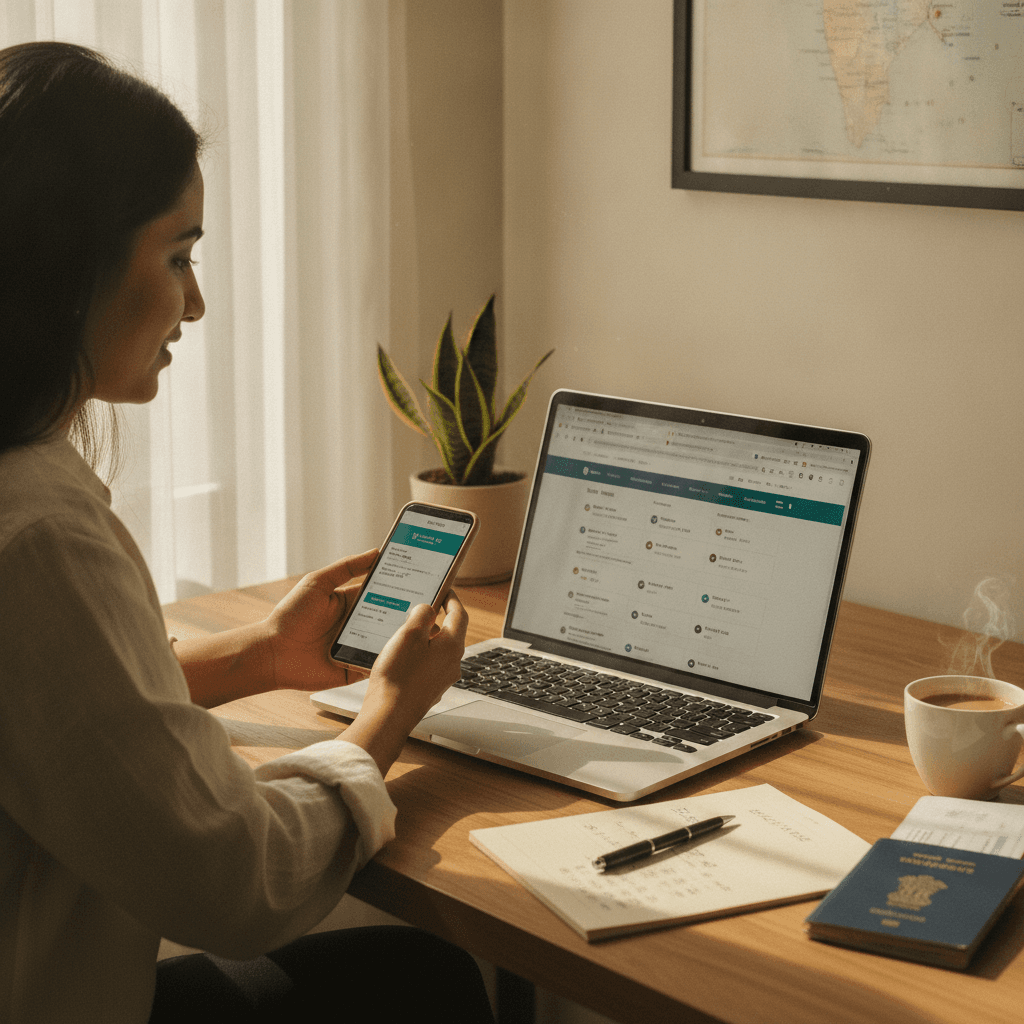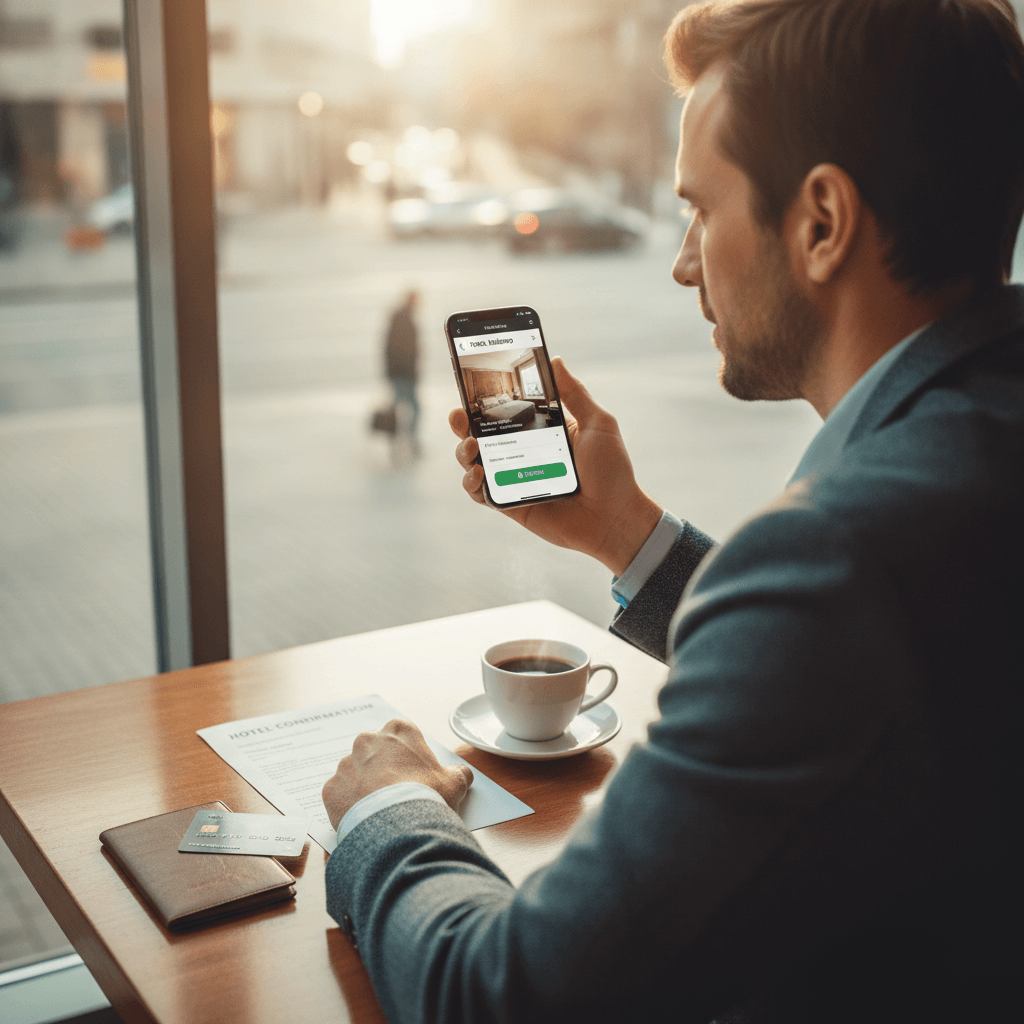

Short answer: use a trusted app downloaded from the official app store, verify the hotel before you pay, pay with a credit card or a proper in-app gateway (never through a link someone sends you), and save every confirmation detail the moment it lands. That's about 90% of it. Most booking scams and bad stays happen because someone skipped one of those four things. Usually it's because they were tired, in a hurry, or the price looked too good to question.
I book a lot of rooms from my phone, often at odd hours from a bus stand or an airport lounge. Over time I've built a routine that keeps me safe without turning every hotel booking into a research project. Here's that routine, step by step, plus the mistakes I've seen friends make.
Step 1: Get the Right App on Your Phone
This sounds obvious, but it's where a surprising number of problems start. Fake hotel booking apps exist. They copy the logo and colours of a real brand, show up in sponsored search results, or arrive as an APK file in a WhatsApp forward promising 'exclusive discounts'.
Only download an online hotel booking app from the Google Play Store or Apple App Store. Before you hit install, check three things. Look at the developer name and confirm it matches the company. Look at the download count, because a big platform will have millions, not a few thousand. And skim the recent reviews, since a sudden flood of five-star reviews with identical wording is a red flag.
Keep the app updated, too. I know, update prompts are annoying. But updates often patch security holes, and an outdated app is an easier target. While you're at it, turn on whatever extra login protection the app offers, like a PIN, fingerprint, or two-step verification. If someone gets hold of your phone, you don't want them booking rooms on your saved card.
Step 2: Search Smart and Verify the Hotel Is Real
Once you're in a legitimate app, the next risk is the listing itself. Most listings on established platforms are fine. Still, it pays to spend five minutes checking before you commit, especially for smaller properties or anything in a busy tourist town.
When you search hotels, don't just sort by price and grab the cheapest one. Here's what I actually check:
- Photos: Are there real, varied photos, including bathrooms, corridors, and the outside of the building? A listing with only three glossy stock-looking images makes me nervous.
- Recent reviews: Read the reviews from the last two or three months, not the overall rating. A hotel that was great in 2021 might be under new management now.
- Location on the map: Drop the pin and look at the street view if you can. 'Near the beach' sometimes means a 25-minute auto ride.
- Contact details: A real hotel has a working phone number and address you can cross-check on Google Maps.
For bigger bookings, like a family trip, a wedding stay, or anything at the higher end, I'll sometimes call the property directly and ask a simple question. 'Do you have parking?' or 'Is breakfast included in this rate?' works fine. If the person on the phone has no idea what I'm talking about, or the number doesn't connect, I move on. This matters even more if you're splurging on something from the ultra-luxury end of the market, where the amounts are large enough to be worth a scammer's effort.
And honestly, if a hotel room is listed at a third of what every nearby property charges, there's usually a reason. Sometimes it's a genuine flash deal. More often it's a tiny windowless room, a hidden fee, or a listing that doesn't exist.
Step 3: Pay the Safe Way (This Is Where Most Scams Happen)
Payment safety is the part people underestimate. Here's the thing: a legitimate hotel booking application will always process payment inside the app or through a secure gateway it redirects you to. It won't ask you to transfer money to someone's personal UPI ID, and it won't send you a payment link over WhatsApp or SMS after you've 'booked'.
If anyone, even someone claiming to be from the hotel, asks you to pay outside the app to 'confirm' or 'upgrade' your room, stop. That's the single most common scam I hear about.
A few habits that keep my payments safe:
- Use a credit card when you can. Credit cards give you much better chargeback and dispute options than debit cards. If something goes wrong, you're arguing about the bank's money, not money that's already gone from your account.
- UPI is fine inside the app. Just make sure the payment request comes from the app's checkout flow and the merchant name matches the platform.
- Never share your OTP. No genuine booking company or hotel will ever call and ask for it. Ever.
- Avoid public Wi-Fi for payments. Café or airport Wi-Fi is fine for browsing. Switch to mobile data when you're actually entering card details.
- Look for the padlock. If the app redirects you to a payment page in a browser, check that the URL starts with https and the domain looks right.
I also keep one card just for travel bookings with a modest limit. It's not a perfect system, but if that card ever gets compromised, the damage is capped and my main account isn't touched.
Step 4: Read the Fine Print Before You Tap Confirm
Not a security issue in the scam sense, but plenty of people feel 'cheated' by a room booking that was perfectly legitimate. They just didn't read what they agreed to.
Before confirming, check:
- Cancellation policy: Free cancellation until when, exactly? Is it until 24 hours before check-in, or until a specific date and time in the hotel's time zone?
- Final price: Some apps show a base price and add taxes and convenience fees at the last screen. Compare the final number, not the headline number.
- Pay now vs pay at hotel: 'Pay at hotel' options are great for flexibility. Just know the hotel may still need a card to hold the room.
- Check-in requirements: Some properties don't accept unmarried couples, local IDs, or guests under a certain age. Better to find out now than at the front desk at 11 PM.
If you're coordinating the room with your travel, double-check the dates line up with your flight times. I once booked a hotel for the night I was leaving instead of the night I was arriving. Totally my fault, and non-refundable. Lesson learned.
Step 5: Protect Your Booking After You've Paid
You'd think the job's done once you get the confirmation. Not quite. Post-booking scams are increasingly common, and they're sneaky because you're expecting to hear about your trip.
Fraudsters sometimes get booking details and then call or message guests. They pose as the hotel or the booking platform and say your payment 'failed' or your room needs 'reconfirmation' for a small fee. Because they know your name, dates, and hotel, it sounds convincing.
So here's what I do right after booking:
- Screenshot the confirmation and save the email. Note the booking ID.
- Check that the booking appears in the app's 'My Trips' section, not just in an email.
- If anyone contacts me about the booking, I hang up and reach out through the app's official help and support channel myself. I never use a number or link they give me.
- For important trips, I call the hotel a few days ahead to confirm they have my reservation.
It's also worth thinking about what happens if plans fall apart entirely, like a medical issue, a cancelled flight, or a family emergency. Non-refundable rates are cheaper for a reason. For longer or more expensive trips, I'd seriously consider travel insurance that covers trip cancellation. It won't help with every situation, but it's saved me money more than once.
A Few Honest Extras Worth Knowing
Look, no system is bulletproof. Even big platforms occasionally have listings that don't match reality or hotels that overbook. What you're really doing with all these steps is cutting down your risk and making sure you have a paper trail if something goes wrong.
A couple more things I've picked up. If you're traveling with a group or staying more than a few nights, a private villa or apartment can be better value than multiple hotel rooms. The same verification rules apply, so check reviews, photos, and payment flow before you book any of the villa stays you find. And if you'd rather not juggle flights, rooms, and transfers separately, bundled holiday packages mean one booking, one payment, and one support team to call if something breaks.
The quick version to remember: trusted app, verified hotel, safe payment inside the app, fine print read, confirmation saved. Do those five things every time and you'll avoid nearly every horror story you've heard. When you're ready, start by browsing hotels for your trip and give yourself those extra five minutes to check before you pay. They're the best five minutes you'll spend on the whole booking.